The digital landscape has become a global village, but local languages are what truly drive engagement. In 2026, relying solely on English for your Facebook, Instagram, or LinkedIn updates means you are leaving millions of potential followers and customers on the table. Brands, influencers, and small businesses are realizing that to build a loyal community, they need to speak the language of their audience. However, hiring professional translators for everyday updates is expensive and time-consuming. That is why learning how to use the right free software to create multilingual social media posts is the ultimate game-changer for your content strategy.
Whether you are a digital marketer trying to run campaigns in Tamil, Hindi, and Bengali simultaneously, or a local influencer expanding your reach across state borders, you need a workflow that is fast and accurate. Thankfully, the internet is packed with smart transliteration and design apps that make localization a breeze. In this ultimate guide, we will explore the absolute best free tools to create multilingual social media posts instantly without losing the emotional and cultural essence of your message.
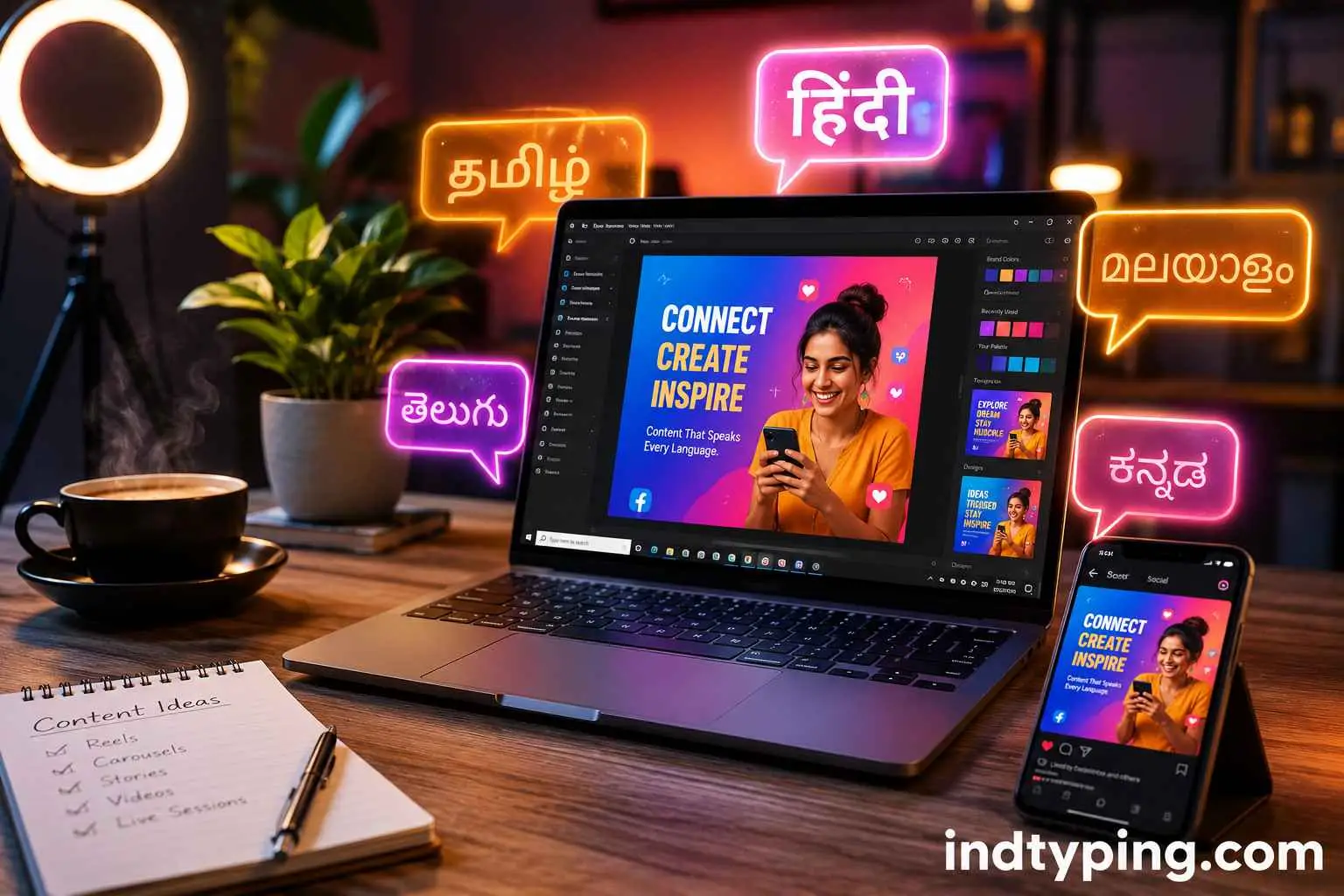
Fig: Using smart transliteration tools to reach diverse regional audiences.
Why You Must Create Multilingual Social Media Posts in 2026
Before we dive into the toolset, let’s understand the “why.” Social media algorithms prioritize user engagement (likes, comments, shares, and watch time). When a user scrolls past a post written in their native mother tongue, they are psychologically wired to stop and pay attention. It builds an instant layer of trust.
Moreover, when you create multilingual social media posts, you tap into tier-2 and tier-3 cities where the internet penetration is currently exploding. An aesthetic Instagram carousel in English might get you 500 likes, but the same carousel perfectly localized in Marathi or Telugu could easily go viral in regional tech communities.
Top Tools to Create Multilingual Social Media Posts Instantly
To successfully create multilingual social media posts, you need tools that handle two specific things: accurate text generation (transliteration) and visually appealing graphic design. Let’s break down the best free tools in the market.
1. IndTyping (Best for Instant Regional Text Generation)
When dealing with Indian languages, direct translation tools (like Google Translate) often sound robotic or culturally out of touch. Instead of translating, the smartest creators use phonetic transliteration. This means you type the word as it sounds in English, and the tool converts it into the native script.
IndTyping is the absolute best platform for this. You don’t need to install any complex language keyboards on your PC or phone.
⚡ Speed Up Your Workflow with IndTyping
Want to post a quick update for your diverse audience? Use our Tamil Typing Tool for your South Indian audience, switch to our Hindi Typing App for the North, or utilize our Marathi Typing and Telugu Typing interfaces. The text generated is pure Unicode, meaning you can copy-paste it directly into Instagram or Canva without the fonts breaking!
2. Canva (Best for Multilingual Graphic Design)
Once you have your localized text from IndTyping, you need to make it look visually stunning. Canva (External Dofollow Link) remains the undisputed king of free social media graphic design.
The reason Canva is highly recommended to create multilingual social media posts is its vast library of regional fonts. Whether you need a cursive Bengali font or a bold, cinematic Tamil font, Canva has native support for hundreds of Unicode fonts. You simply paste the text you generated earlier, select an appropriate regional font style, and your graphic is ready to be exported.
3. DeepL Translator (For Meaning-Based Translation)
While IndTyping is perfect for transliterating the exact words you know, sometimes you need to translate an entirely new English concept into a regional language. DeepL is far superior to standard translation engines because it understands context and nuances much better. You can use DeepL to get the core translated sentence, and then manually adjust it using phonetic typing tools to give it a more “local, slang-friendly” touch.
The Perfect Workflow for Social Media Managers
Knowing the tools is one thing, but combining them effectively is what truly helps you create multilingual social media posts efficiently. Here is the exact 4-step workflow used by top digital marketing agencies:
- Draft the Core Message: Write your primary post caption and graphic copy in English or your native language.
- Transliterate the Copy: Open IndTyping in your browser. Type your message phonetically (e.g., Hinglish for Hindi, Tanglish for Tamil) to instantly generate accurate, perfectly spelled Unicode text.
- Design the Creative: Open Canva, choose a social media template, and paste the regional text. Apply a local font that matches the mood of the post.
- Schedule and Publish: Use free scheduling tools like Buffer or Meta Business Suite to schedule your posts across different regional pages at optimal times.
Common Mistakes to Avoid
When you create multilingual social media posts, avoid the trap of “blind translation.” Never copy-paste text from an automated translation bot directly into your Instagram feed without proofreading it. Bots cannot understand regional emotions, festivals, or local internet slang. Always use a transliteration tool to write exactly what a local user would say naturally.
Also, pay attention to hashtags. Translating an English hashtag literally into Hindi or Tamil will yield zero search volume. Research what native hashtags your target audience is actually following on Instagram and Twitter.
Final Thoughts
We are living in an era of hyper-personalization. If you want to stand out from the noise, you must create multilingual social media posts that speak directly to the hearts of your audience. By leveraging the power of free, lightning-fast phonetic tools like IndTyping and combining them with visual editors like Canva, you can run a nationwide, multilingual marketing campaign right from your smartphone or laptop. Start typing, start connecting, and watch your brand loyalty skyrocket!
Frequently Asked Questions (FAQ)
What is the easiest way to create multilingual social media posts for Indian languages?
The easiest and most accurate method is to use a phonetic transliteration website like IndTyping. It allows you to quickly type in English alphabets and automatically converts the words into flawless regional Unicode scripts, which you can directly paste into Facebook, Instagram, or X (Twitter).
Does it really help to create multilingual social media posts for local businesses?
Absolutely. Local businesses thrive on community trust. When a local bakery or clothing store uses tools to create multilingual social media posts in the regional language, it instantly signals to the local community that the business understands and respects their culture, leading to higher foot traffic and conversions.
Can I use Canva for regional language fonts?
Yes! Canva supports a wide variety of Unicode fonts for Indian languages. You just need to generate the text using a tool like IndTyping, paste it into your Canva design, and search for “Tamil,” “Hindi,” or “Bengali” in the Canva font drop-down menu to see stylish regional typographies.