English to Nepali Typing – Easy, Fast & Free (2026)
Namaste! 🙏 Ke tapai Nepali ma type garna chahanu huncha? Aba yo dherai sajilo cha.
This IndTyping tool allows you to type in Nepali using an English keyboard. Just type phonetically (e.g., “Sanchai hunuhuncha”) and press Space to convert it into perfect Devanagari script (“सन्चै हुनुहुन्छ”). It is perfectly designed for Facebook, WhatsApp chats, and official documents.
How to Convert Roman English to Nepali Instantly?
Connecting with your community in your native script shouldn’t require learning a complex layout. Our English to Nepali Typing tool uses an advanced phonetic engine, completely removing the need to memorize standard Devanagari keyboards.
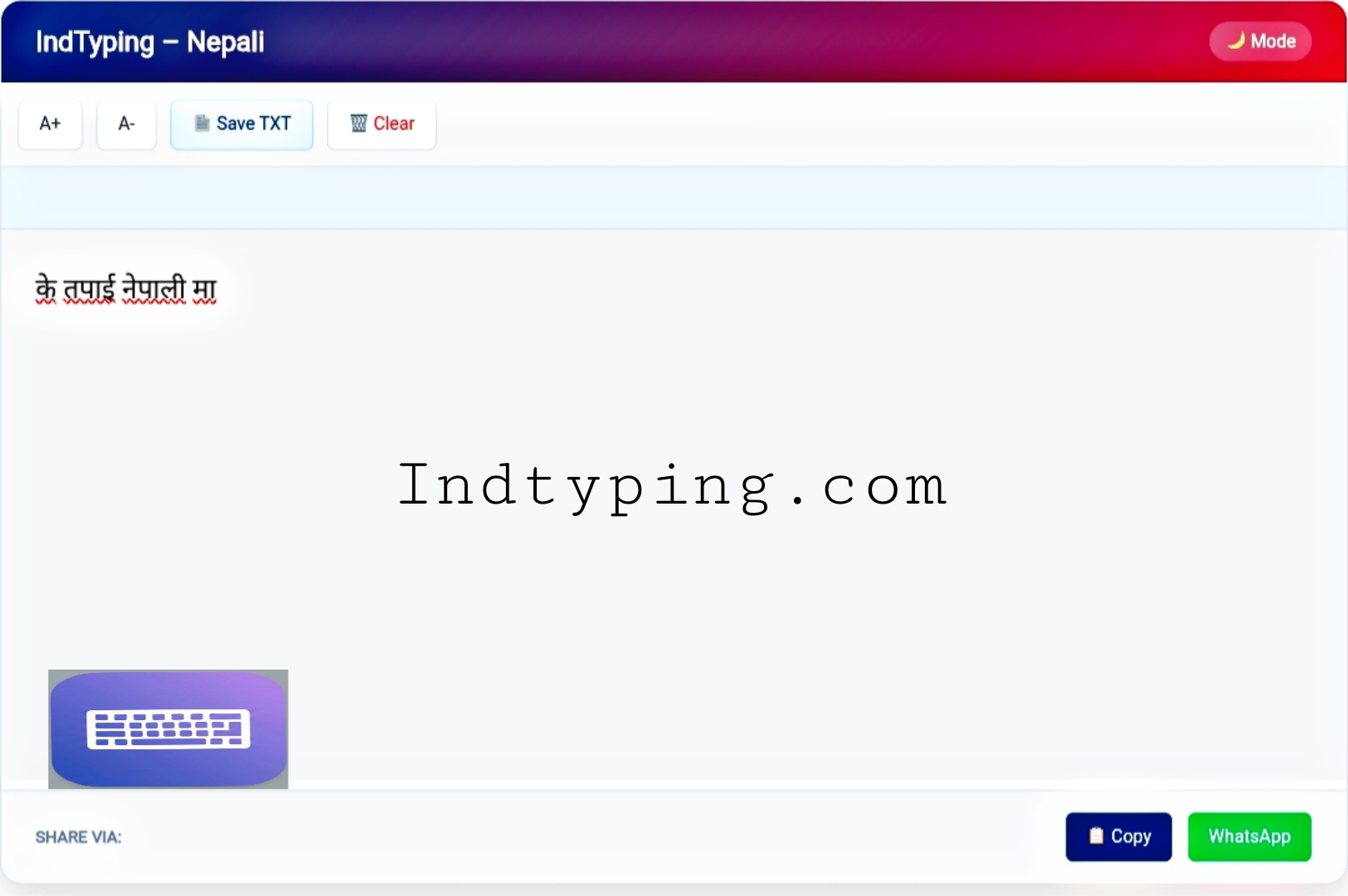
Fig: Simple User Interface for Fast Nepali Typing
Just type your words exactly as they sound phonetically in Roman English (for example, type “Kasto cha”) and press the Spacebar. Our smart engine instantly converts it to “कस्तो छ”. It flawlessly handles complex half-letters and matras automatically, making it perfect for WhatsApp messaging and sharing updates from Kathmandu to anywhere in the world.
Explore Other Languages:
🔹 English to Hindi Typing (Home)
🔸 English to Bengali Typing
🔹 English to Maithili Typing
🔸 English to Bhojpuri Typing
Why Choose Our Nepali Keyboard Online?
- Zero Installation: Forget heavy software downloads. Our tool runs instantly directly in your web browser.
- Universal Unicode: Copy and paste your Nepali text directly into Facebook, MS Word, or WhatsApp without font rendering issues.
- Smart Spelling Suggestions: Click on any converted Nepali word to view a drop-down list of alternative accurate spellings.
- 100% Privacy: We never record or save your text. All transliteration happens securely on your own device.
Frequently Asked Questions (FAQ)
1. How can I type in Nepali using an English keyboard?
Simply type phonetically in Roman English. For example, type “Namaste” and it instantly converts to the perfect script “नमस्ते”.
2. Do I need to install Devanagari fonts to view the text?
No. Our tool uses standard Unicode text, so the Nepali characters will automatically display perfectly on any modern smartphone or PC.
3. Is this typing tool completely free to use?
Absolutely! There are no hidden fees, no subscriptions, and no daily word limits. You can type as much as you need for free.
Need Help with Nepali Typing?
At IndTyping, we aim to provide the easiest typing experience. If you find any word conversion issues, please let us know!
Contact Us →