English to Sanskrit Typing – Easy & Fast (2026)
Namaste! 🙏 Are you looking for an easy way to type in the divine language of Sanskrit? You are in the right place.
This is IndTyping’s advanced English to Sanskrit Transliteration Tool. Just type in English (e.g., “Namaste”) and hit Space; it will automatically convert to “नमस्ते” (Sanskrit). This tool is perfect for writing slokas, mantras, and for students learning the mother of all languages.
How to Convert English to Sanskrit Instantly?
Writing in the mother of all languages shouldn’t be a difficult task. Our English to Sanskrit Typing tool is perfectly designed for scholars, students, and spiritual seekers to easily type slokas, mantras, and ancient texts without memorizing complex Devanagari layouts.
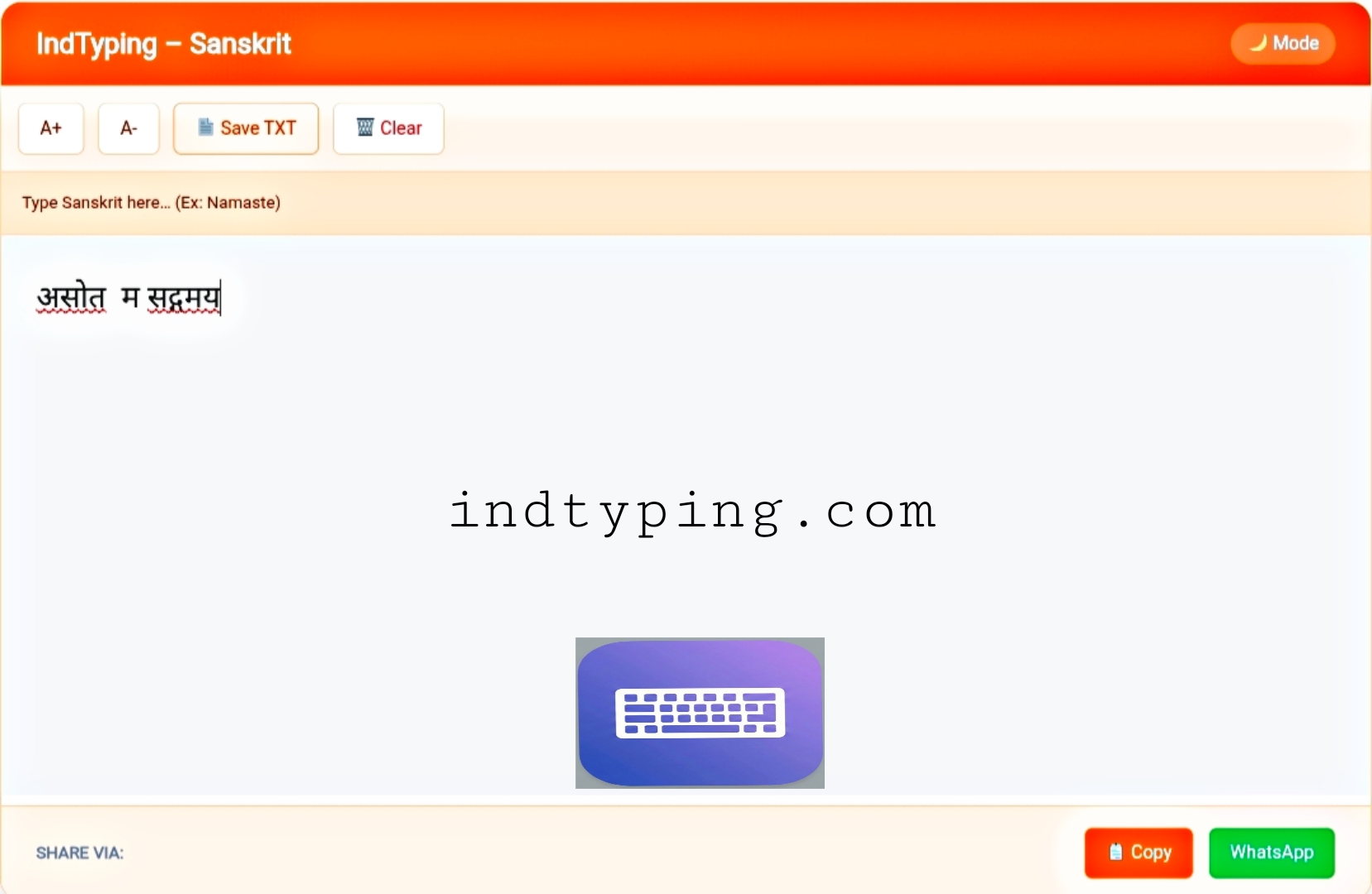
Fig: Professional Sanskrit Transliteration Interface on IndTyping
Just type your words exactly as they sound phonetically (for example, type “Dharmakshetre”) and press the Spacebar. Our smart engine instantly converts it to “धर्मक्षेत्रे”. It flawlessly handles complex Sanskrit conjuncts, visarga, and anusvara automatically, ensuring your text is grammatically perfect for study notes or sharing on WhatsApp.
Explore Other Languages:
🔹 English to Hindi Typing (Home)
🔸 English to Marathi Typing
🔹 English to Nepali Typing
🔸 English to Tamil Typing
Why Choose Our Sanskrit Keyboard Online?
- Zero Installation: Skip heavy font downloads. Our tool runs instantly right in your web browser.
- Universal Unicode: Copy and paste your Sanskrit text directly into Facebook, MS Word, or WhatsApp without font rendering issues.
- Smart Spelling Suggestions: Click on any converted Sanskrit word to view a drop-down list of alternative accurate spellings.
- 100% Privacy: We never record or save your sacred texts or keystrokes. All transliteration happens securely on your own device.
Frequently Asked Questions (FAQ)
1. How can I type Sanskrit slokas using an English keyboard?
Simply type the phonetic sound in English. For example, typing “Namaste” and pressing space instantly converts it to the perfect script “नमस्ते”.
2. Do I need to install Devanagari fonts to view the text?
No. Our tool uses standard Unicode text, so the Sanskrit characters will automatically display perfectly on any modern smartphone or PC.
3. Is this typing tool completely free to use?
Absolutely! There are no hidden fees, no subscriptions, and no daily word limits. You can type as much as you need for free.
Need Help with Sanskrit Typing?
At IndTyping, we aim to provide the easiest typing experience. If you find any word conversion issues, please let us know!
Contact Us →