
Transliteration tools for data entry are becoming the most essential assets for digital freelancers and professional typists in 2026. If you have been searching for a way to complete your regional language projects with lightning speed, look no further.
The global freelance economy is booming, and data entry remains one of the most accessible and popular online jobs worldwide. However, the landscape has drastically changed. Clients are no longer just looking for English typists; there is a massive, high-paying demand for regional language digitization.
If you want to grab these lucrative opportunities without spending months learning complex keyboard layouts, you need the right strategy. In this comprehensive guide, we will show you exactly how to use transliteration tools for data entry to skyrocket your typing speed, maintain flawless accuracy, and ultimately multiply your daily earnings.
Whether you are converting old handwritten documents into digital text or managing regional customer databases, typing manually using traditional fonts can be incredibly slow. If you want to maximize your hourly rate, using transliteration tools for data entry is the only way to stay competitive.
Let us dive into the ultimate workflow used by top-rated data entry professionals who handle thousands of pages every month with ease. This method is designed to help you work smarter, not harder.
What Exactly Are Transliteration Tools?
Before we discuss the “how,” we must understand the “what.” A transliteration tool is a smart software that converts words typed in the English alphabet into the corresponding script of another language based on phonetics.
For professionals, mastering transliteration tools for data entry means there is absolutely zero learning curve. If you know the standard QWERTY English keyboard, you are already qualified to take on Hindi, Marathi, Bengali, or Tamil projects.
Unlike translation, which changes the meaning of your sentences, transliteration only changes the script. This is vital for data entry because your job is to keep the original content intact while simply digitizing it.
Using transliteration tools for data entry ensures that every syllable and every sound is captured perfectly in the target language’s native script. This technology removes the barrier of entry for anyone with basic computer skills.
Why Data Entry Professionals Swear by These Tools
If you are serious about making a living through online typing jobs, time is literally money. Using the best transliteration tools for data entry offers unmatched speed compared to traditional methods.
Traditional regional keyboards (like InScript or Bamini) require you to memorize entirely new key placements. This can take months of practice. In contrast, phonetic typing uses your existing muscle memory, instantly doubling or tripling your Words Per Minute (WPM).
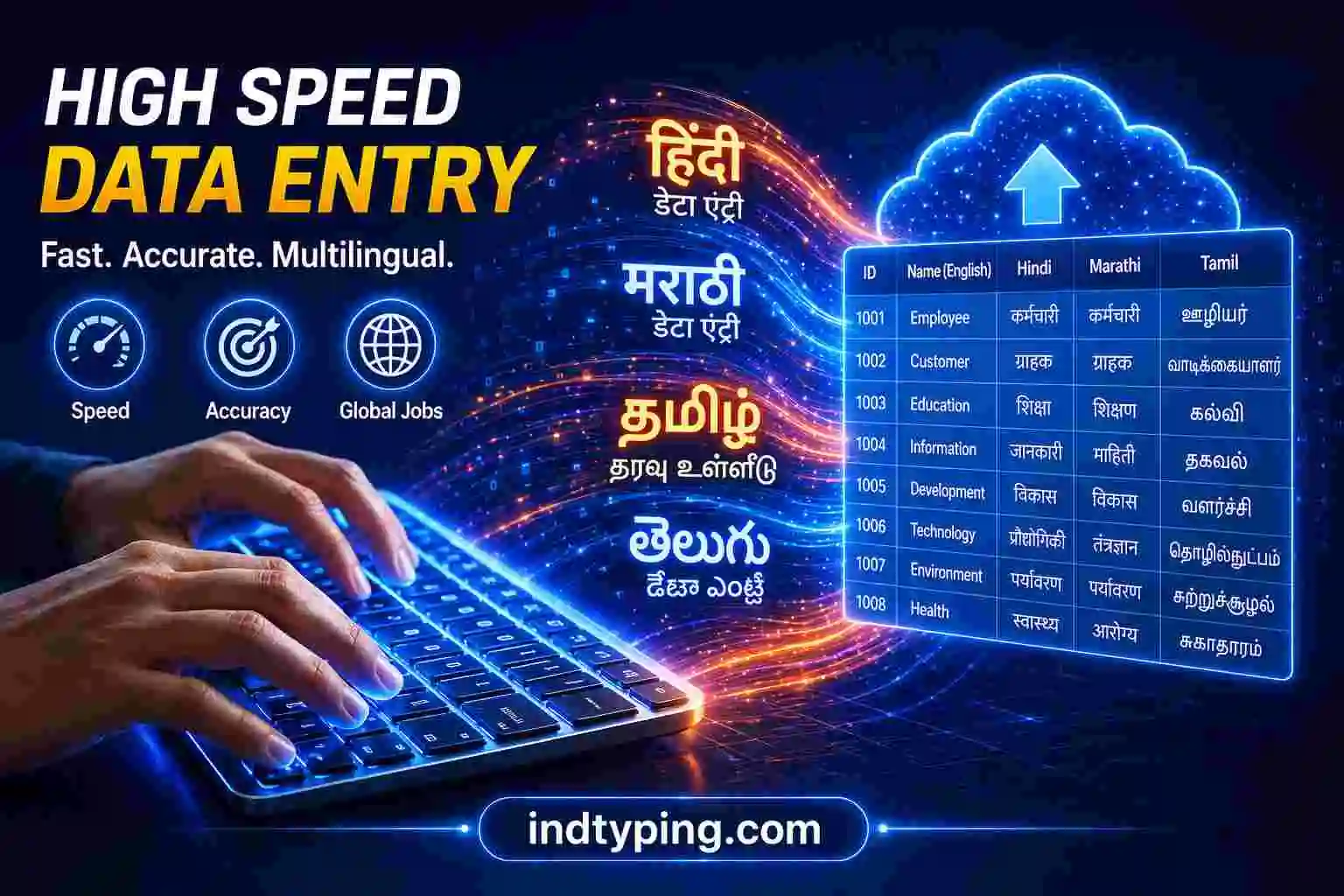
Fig 1: Modern transliteration tools for data entry help bridge the language gap efficiently.
Step-by-Step: How to Use Transliteration Tools for Data Entry
Ready to start your first assignment? To properly utilize transliteration tools for data entry, you should first prepare your digital workspace. Place your source document on the left half of your screen.
Next, open your preferred web browser on the right. This split-screen method reduces neck strain and minimizes errors by keeping the source and the target text in your direct line of sight.
Choose a Reliable Online Converter
You need a tool that is fast and accurate. At IndTyping, we provide specialized transliteration tools for data entry in various Indian languages. For example, if you have a Hindi manuscript, open our English to Hindi Typing page.
The interface is clean, allowing you to focus entirely on the job without distracting ads. Once the tool is open, start typing phonetically. As you type in English, the corresponding regional letters will appear instantly.
For complex words, most professional transliteration tools for data entry will provide a drop-down list of suggestions. Choosing the correct suggestion ensures 100% accuracy, which is the primary metric clients use.
Pro Tip: Combine Voice and Transliteration for Maximum Output
If you have a massive project with tight deadlines, manual typing might still tire you out after several hours. The ultimate secret weapon is combining voice recognition with transliteration tools for data entry.
This is the future of data entry workflows in 2026. You can utilize platforms like FreeVoiceTyping.com to speak out the bulk of the content, which is much faster than typing manually.
After getting the rough voice-to-text output, paste it into IndTyping to fix any minor phonetic errors. This synergy between different transliteration tools for data entry will put you miles ahead of your competition.
Overcoming Accuracy Challenges
One common concern is the handling of complex conjunct characters or specific regional nuances. To master this, always do a “Quick Proofread” after every 500 words of work completed.
Most tools now use AI-driven dictionaries that learn your typing style over time. Using transliteration tools for data entry makes them even more accurate as you continue to work on specific dialects.
Frequently Asked Questions (FAQ)
1. Are transliteration tools for data entry accepted by freelance platforms?
Absolutely. Clients on Upwork and Fiverr care about accuracy and speed. Using transliteration tools for data entry ensures you deliver high-quality work within the deadline.
2. Can I use these tools for Excel and spreadsheet jobs?
Yes. All professional transliteration tools for data entry generate Unicode text. This text is universal and can be easily pasted into Excel or Google Sheets.
Final Thoughts on Boosting Your Income
By integrating transliteration tools for data entry into your daily freelance workflow, you eliminate the friction of regional typing. You can accept more projects and finish them in record time.
Whether you are using IndTyping or other specialized transliteration tools for data entry, the goal is productivity. Start your journey today, sharpen your skills, and watch your freelance income grow beyond your expectations!